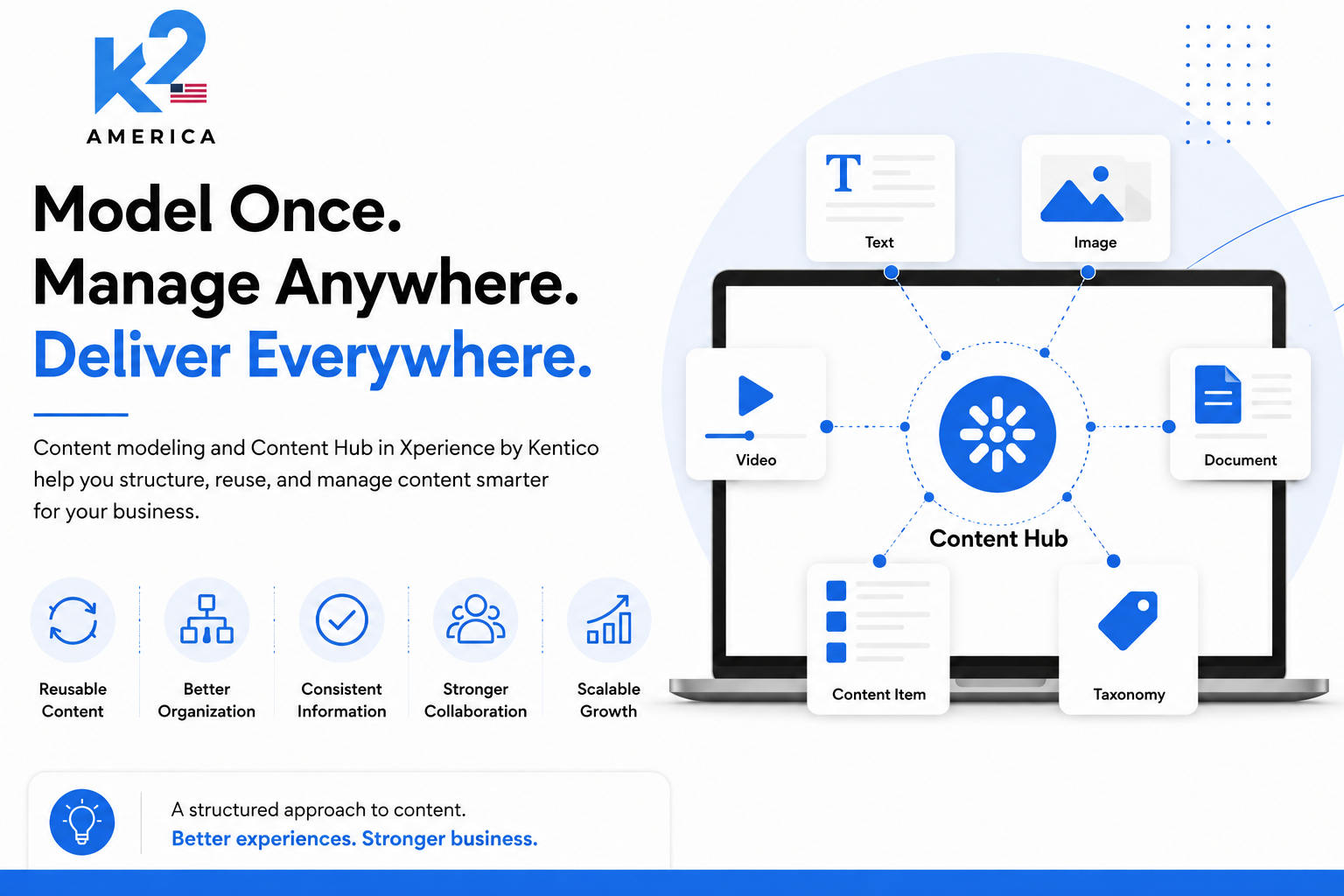
Most businesses first meet a CMS through pages: create a page, add text and images, preview it, and publish. That model is familiar, but it becomes limiting when content must be reused across websites, email, mobile applications, campaigns, and other digital experiences.
Xperience by Kentico is designed around a broader idea. It does not treat every piece of content as page copy, and it does not place every type of content in one central bucket. Instead, it separates content according to purpose: reusable business information, website-specific experiences, and headless channel content.
Understanding that separation is the key to moving beyond basic CMS thinking.
The most important distinction: Content Hub is not the entire content system. It is the home for reusable, structured content items. Website pages and headless items are managed in their own channel applications.
The Xperience content model starts with Content Types
In Xperience by Kentico, every content item is based on a Content Type. A Content Type is the blueprint that defines what information an item stores, how editors work with it, and what the item is intended to do.
A content team might define types such as Article, Product, Author, Office Location, Testimonial, Campaign Banner, or FAQ. Each type can contain meaningful fields, relationships to other content, taxonomy fields, and editorial guidance.
This is more than form configuration. It is the foundation of the content model. Before deciding where content should be stored, the team should first decide what the content represents and how it may need to be reused.
Xperience supports different target uses for Content Types, including:
- Reusable content types for presentation-independent content stored in Content Hub.
- Webpage content types for pages managedina website channel.
- Headless content types for content managed and delivered through a headlesschannel.
- Email content types for content created for email experiences.
This target usage is important because an Article reused on a website and in an email is not the same thing as the webpage that provides the article's URL, layout, navigation position, and website-specific presentation.
Four concepts that should not be treated as interchangeable
The following distinction makes the Xperience architecture much easier to understand:
Concept | Where it is managed | What it is for |
Content Types | Content Types application | Blueprints that define structure, fields, behavior, and intended usage. |
Reusable Content Items | Content Hub | Presentation-independent content that can be reused across channels. |
Web Channel Content | Website channel application and content tree | Pages with URLs, hierarchy, website-specific fields, Page Builder content, and lifecycle. |
Headless Content Items | Headless channel application | Channel-specific content units delivered to external applications through GraphQL. |
Content Hub is a reusable content layer, not a page repository
Content Hub gives editors a central place to create, store, organize, and publish reusable content items. Each item is structured by a reusable Content Type and belongs to a workspace. Teams can organize items with folders and use content item assets for reusable files.
The important word is reusable. Content Hub is well suited to information that has value beyond one page or one channel, such as:
- Product or service details
- Author profiles
- Testimonials
- Office locations
- Frequently asked questions
- Articles or case studies intended for reuse
- Shared legal, support, or campaign information
Content Hub should not be described as the place where every website page is built. It stores reusable content separately from its final presentation. A content item can provide the facts, message, and relationships, while a website page, email, or headless experience decides how that information is presented.
Reusable Content separates meaning from presentation
Reusable Content Items are structured and presentation-independent. That means an editor creates the meaning of the content without locking it to one layout.
For example, a reusable Product item might store:
- Product name
- Summary and detailed description
- Benefits and specifications
- Images or downloadable assets
- Product category taxonomy
- Relationships to related products, case studies, or support content
That same product information can then support a website page, an email, a mobile experience, or another channel. The content remains consistent, while each channel controls the presentation appropriate to its audience and format.
This is where reuse becomes more than copying text. The same managed item is referenced, so teams are not maintaining several disconnected versions of the same business information.
Web Channel Content manages the website experience
Website content in Xperience is represented by pages. Pages are a special type of content item created specifically for website channels and managed inside the website channel application.
A page usually represents a location in the website content tree. It can provide:
- A URL and place in the site hierarchy
- Website-specific metadata and structured fields
- Page lifecycle, workflow, and publishing
- Page templates and Page Builder content, where configured
- Website-specific presentation and navigation behavior
A website page may store its own channel-specific content, display reusable items from Content Hub, or combine both approaches.
For example, an Article page can reference a reusable Article item for the title, summary, author, body, taxonomy, and related content. The webpage can then add website-specific information such as URL, navigation placement, SEO settings, and Page Builder sections.
This separation prevents two common mistakes: duplicating reusable information in every webpage, and forcing channel-specific presentation settings into the reusable content model.
Headless Channels serve external digital experiences
Xperience also supports headless channels for content delivered to applications outside the traditional website experience, such as mobile apps, web apps, kiosks, digital displays, or external websites.
Headless content items are managed in the application for their specific headless channel. They are retrieved through that channel's GraphQL endpoint in JSON format. In most cases, a headless item represents a channel-level presentation unit, such as a screen, navigation structure, content feed, or application view.
This is different from simply saying that Content Hub sends everything everywhere. Reusable items provide channel-neutral building blocks. Headless items define what the external channel needs to receive and present.
Headless functionality requires the appropriate Xperience license and channel configuration, so it should be planned as part of the solution architecture rather than treated as an automatic output of Content Hub.
Why Xperience is described as hybrid-headless
Xperience by Kentico is not positioned as a pure headless CMS. It is a hybrid-headless DXP that supports both a full website channel experience and headless delivery.
This matters because website teams often need more than content APIs. They also need routing, page lifecycle, redirects for former URLs, forms, personalization, and visual editing capabilities. Xperience provides those website-focused capabilities through website channels, while headless channels support experiences that need API-based delivery.
The result is a practical choice rather than a forced architecture:
- Use the website channel when the experiencebenefitsfrom native website capabilities.
- Use reusable items from Content Hub when content must stay structured and consistent across experiences.
- Use a headless channel when an external application needs content throughGraphQL.
A single project can use these approaches together. That is the value of hybrid-headless architecture.
Taxonomy and relationships make the model useful at scale
A content model is not complete when it only defines fields. It should also explain how content is classified and connected.
Taxonomies allow teams to categorize content using controlled and hierarchical tags. Relationships connect items such as an Article to an Author, a Product to related Products, or a Case Study to the Services and Industries it supports.
These connections help teams:
- Filter and retrieve the right content
- Create related-content experiences
- Maintain consistent categories across channels
- Support personalization and audience-specific presentation
- Avoidembedding important relationships inside unstructured page copy
The point is not to make the model complicated. It is to make content understandable to editors, developers, search tools, and delivery channels.
A practical example: one service, several content responsibilities
Consider a company offering a managed cybersecurity service.
The service information that should remain consistent—service name, overview, benefits, features, image, audience tags, and related case studies—can be modeled as a reusable Service item in Content Hub.
The website channel can use that item on a dedicated Service page. The page controls the URL, navigation placement, SEO details, website layout, and any Page Builder campaign sections.
An email can reuse selected service information in a campaign without recreating the core description.
A mobile customer portal or partner application can use a headless channel item that assembles the information needed for its own screen and retrieves it through GraphQL.
The business information remains governed and reusable, but each channel still has the freedom to create an experience that fits its own context.
What this architecture changes for content and marketing teams
When the distinctions are modeled correctly, Xperience helps teams avoid both page-first duplication and one-size-fits-all content structures.
The practical benefits include:
- Clear ownership of reusable versus channel-specific content
- Fewer duplicated descriptions and disconnected updates
- More consistent information across websites, email, and external applications
- A content model that can support personalization, taxonomy, and related content
- Better collaboration between marketers, editors, developers, and solution architects
- More flexibility to add channels without rebuilding the entire content foundation
However, those benefits do not come from Content Hub alone. They come from designing the right Content Types, deciding which content should be reusable, keeping website concerns in the website channel, and using headless channels deliberately.
Final thoughts
The strongest way to understand content in Xperience by Kentico is not as one repository that replaces every other content area. It is a connected architecture in which each content concept has a specific responsibility.
Content Types define the structure. Content Hub manages reusable, presentation-independent items. Website channels manage pages and the website experience. Headless channels provide content for external applications. Taxonomies and relationships connect the model so content can be found, reused, and presented intelligently.
That is what takes Xperience beyond basic CMS thinking. It gives organizations a way to manage content as structured business information while still delivering channel-specific digital experiences.